Download the driver app
Scan the QR code or open the store link to start onboarding on your phone.
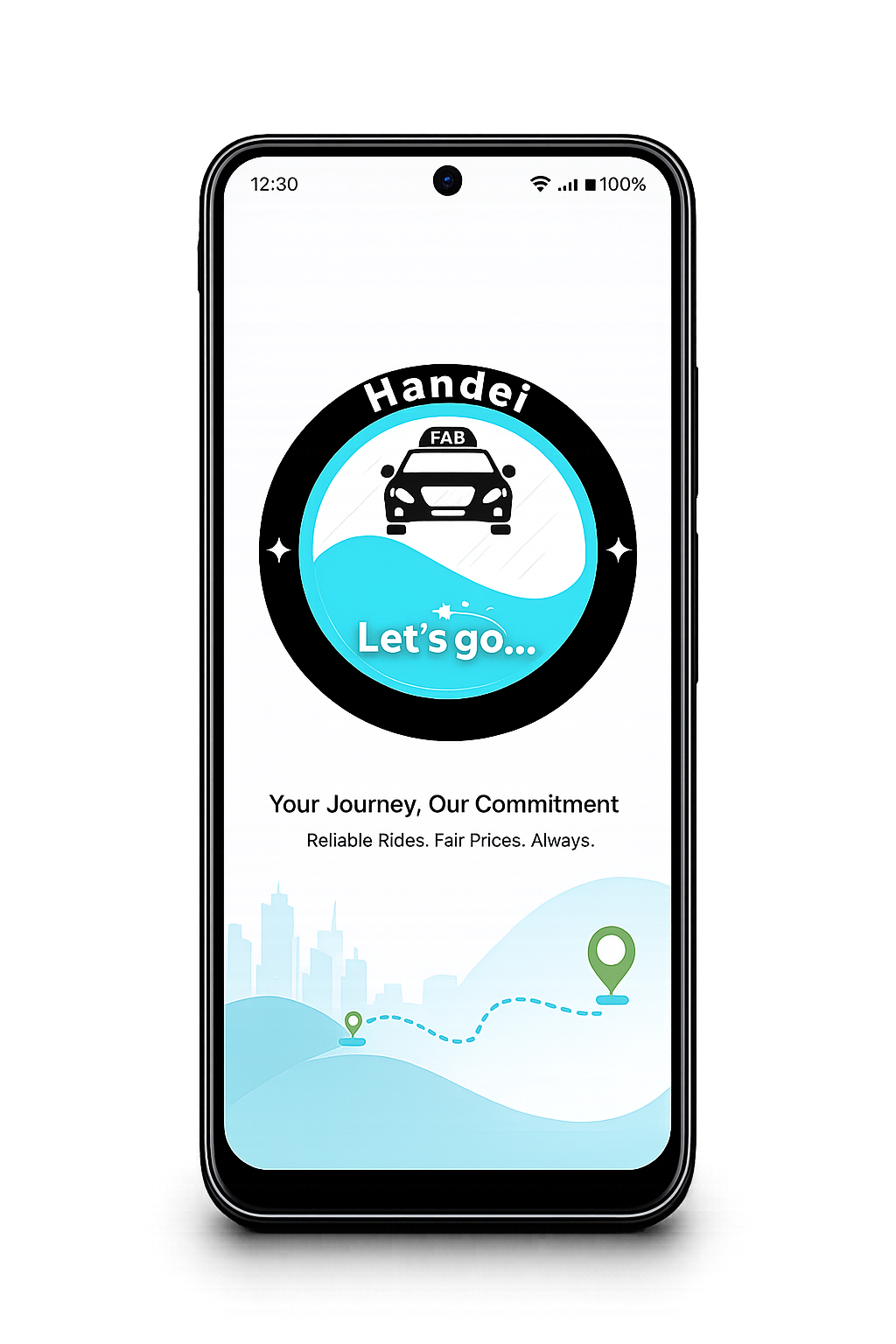
Apply in Harare or Bulawayo, Zimbabwe and move from signup to approval in a clear flow with the Handei Driver app.

Register, upload your documents and get ready to drive.
Scan the QR code or open the store link to start onboarding on your phone.
Use the app to add your licence, ID, insurance and vehicle details.
Once approved, go online and start accepting trips.
Install the app, continue the full onboarding flow on mobile and keep your documents ready for upload.
Scan the QR code or open the store link that matches your device.
Enter your details and move through the onboarding steps on mobile.
Add your licence, registration and insurance to finish review faster.
Flexible hours, steady trip demand and a clear signup path.
Drive when it suits your schedule.

City rides and airport trips help build regular demand.

Requirements and next steps are easy to follow.
The driver app keeps trip requests, navigation and rider details in one place.
The app shows nearby trip requests when you are online.
Use trip details to reach the rider faster.
Follow the route and complete the trip professionally.
Go back online for more rides and keep earning.
Use these answers before you apply.
Yes. Drivers can choose when they want to drive.
Vehicles should be 2010 or newer, have four doors and seat 5 to 8 people including the driver.
Drivers should expect to provide a profile photo, vehicle registration, personal insurance and identity card.
Start by downloading the Handei Driver app from this page, then continue the onboarding process on mobile.
Download the driver app, scan the QR code and continue the full onboarding process on mobile.